
How to Install IPTV on Smart TV in Dubai | Complete 2026 Guide
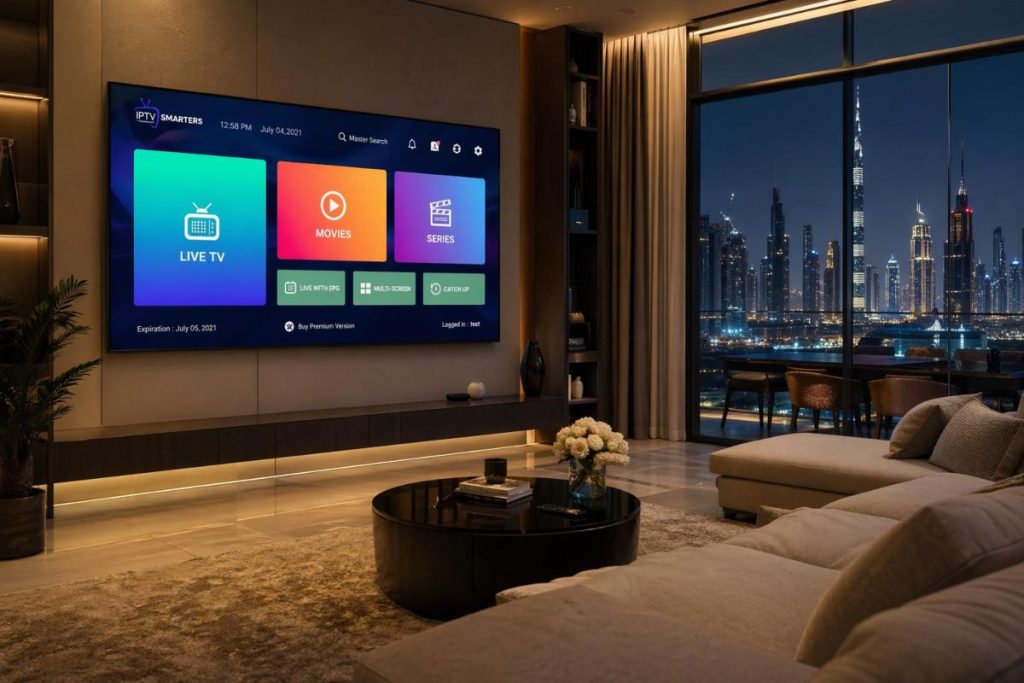
Smart home entertainment is rapidly evolving across the UAE. From Downtown Dubai apartments to family villas in Abu Dhabi, more households are choosing internet-based television instead of traditional satellite systems. If you’ve recently purchased a subscription and want a complete walkthrough, this guide explains how to install IPTV on a Smart TV in Dubai step by step.
Specifically for UAE residents using Samsung, LG, and Android-based Smart TVs. Whether you are setting up your television for the first time or switching providers, the process is simple when done correctly.
Why IPTV Is Growing Rapidly Across Dubai and the UAE
Dubai is one of the most digitally connected cities in the world. With high-speed fiber internet widely available through major telecom providers, streaming services perform reliably in most residential areas.
Many UAE residents prefer IPTV because:
- There is no need for a satellite dish
- Installation is fast and technician-free
- Channel access is broader and more flexible
- Plans are available monthly without long-term contracts
- 4K streaming is supported on modern Smart TVs
For families living in Dubai Marina, JVC, Business Bay, Sharjah, or Abu Dhabi, internet-based TV offers a more modern, clutter-free setup.
What You Need Before Installing IPTV on a Smart TV
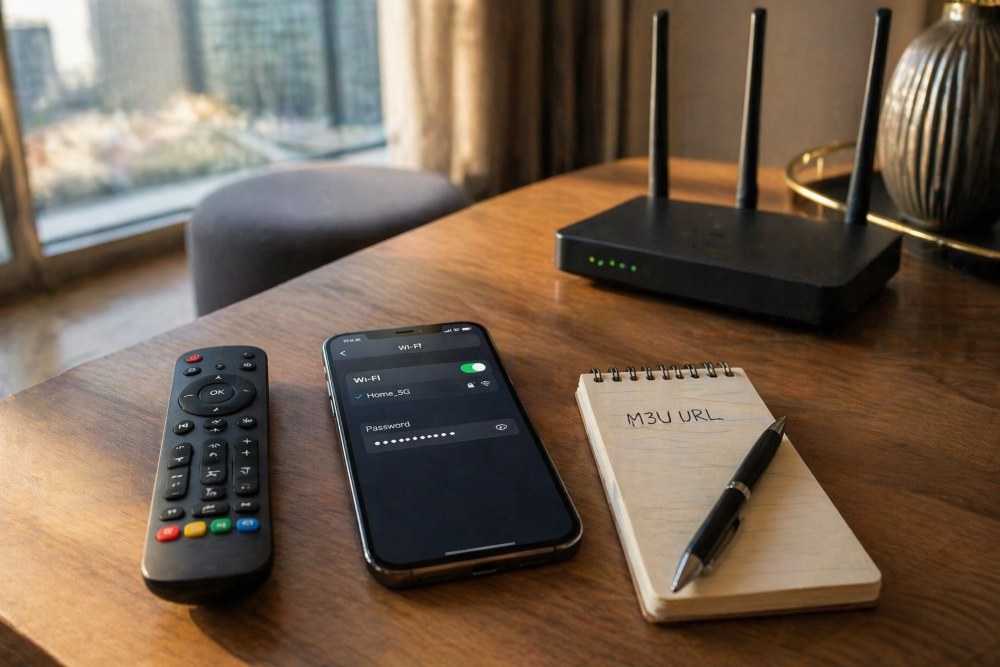
Before starting the installation process, it’s important to properly prepare everything. Whether you recently chose an IPTV provider in Dubai or are setting up your device for the first time, having the right essentials ready will ensure a smooth experience.
1. A Stable High-Speed Internet Connection
A reliable internet connection is the foundation of smooth streaming. Since IPTV works entirely online, your viewing quality depends directly on your network speed and stability.
For households in the UAE:
- Minimum 10 Mbps for HD channels
- At least 25 Mbps for 4K streaming
- Fiber connection recommended for better stability
If multiple devices are connected at the same time, upgrading your internet package may improve performance.
2. An Active IPTV Subscription
Before installing any IPTV player, you must have an active IPTV subscription. After activation, you will typically receive:
- An M3U playlist URL
- or
- Xtream Codes login details (username, password, server URL)
These credentials are required during setup and must be entered correctly for channels to load.
3. A Compatible Smart TV
Most modern Smart TVs in Dubai support IPTV apps, including Samsung (Tizen), LG (WebOS), and Android-based televisions. Make sure your TV allows app downloads from its official store.
Older models may require additional streaming devices if app installation is not supported.
4. Access to the TV’s App Store
To complete the installation, you need access to your television’s application store. Ensure:
- Your TV is connected to the internet
- You are signed into your TV account
- The regional settings are properly configured
Without store access, the app cannot be installed.
5. Updated Software
Before entering your IPTV subscriptions details, check for system updates in your TV settings. Installing the latest firmware improves compatibility and reduces app crashes.
6. Review Available IPTV Plans (If Not Purchased Yet)
If you have not selected a package yet, review the available IPTV Plans carefully. Some plans may offer multi-device access or higher resolution support, which is useful for Smart TV users in the UAE.
Step-by-Step Installation Guide by Smart TV Brand
Different Smart TV brands use different operating systems. Below are device-specific instructions tailored for UAE users.
How to Install IPTV on Samsung Smart TV (Tizen OS)
Samsung Smart TVs are widely used in apartments and villas across Dubai. The Tizen system is stable and user-friendly.
Step 1: Open the Samsung App Store
Press the Home button on your remote and navigate to Apps.
Step 2: Search for an IPTV Player
Look for a compatible IPTV player app available in the UAE region.
Step 3: Install and Open the App
Download the application and launch it once installed.
Step 4: Enter Subscription Details
Inside the app:
- Add your M3U playlist or
- Enter Xtream Codes credentials
Step 5: Wait for Channel Synchronization
Channels should load automatically within seconds. Samsung TVs in the UAE typically complete installation within five minutes.
How to Install IPTV on LG Smart TV (WebOS)
LG televisions running WebOS are also common across the Emirates.
Step 1: Open LG Content Store
Use your remote to access the app store.
Step 2: Search for a Supported IPTV Player
Download a compatible app available in the UAE region.
Step 3: Add Your Playlist
Input the login details provided after activation.
Step 4: Refresh and Load Channels
The app will sync and display categories such as sports, movies, and regional content.
The process is beginner-friendly and does not require technical knowledge.
Installing IPTV on Android Smart TVs in the UAE
Many newer Smart TVs operate on Android TV OS.
Steps:
- Open Google Play Store
- Install an IPTV player
- Enter your credentials
- Load channels
Android systems offer additional flexibility and often support more IPTV apps.
Best Practices for IPTV Streaming in UAE Homes
To ensure stable viewing quality in Dubai and across the UAE, follow these recommendations:
Use a wired Internet Connection.
Ethernet cables provide more stable streaming than Wi-Fi.
Position Your Router Correctly
Avoid placing routers inside cabinets or behind thick walls.
Close Background Applications
Too many running apps may slow performance.
Restart Router Weekly
Routine restarts refresh connection stability.
Upgrade Internet Plan if Needed
If multiple devices stream simultaneously, consider upgrading to a higher bandwidth package.
Small technical adjustments can dramatically improve performance quality.
Common IPTV Setup Issues in Dubai and How to Fix Them
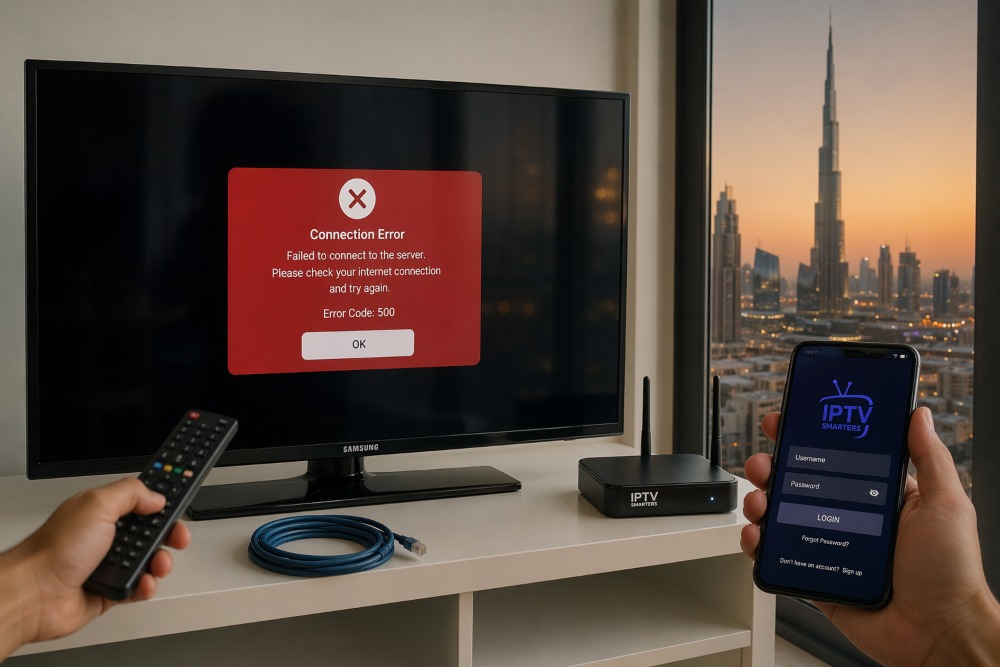
Even with high-speed internet widely available across Dubai and the UAE, some users may experience minor setup issues when configuring their IPTV service on a Smart TV. Most problems are simple to resolve and are usually related to internet stability, incorrect login details, or outdated applications.
1. Buffering or Lag
Possible causes:
- Slow internet speed
- Wi-Fi interference
- Overloaded server
Solutions:
- Switch to a wired connection
- Restart router
- Close other streaming devices
2. Playlist Not Loading
Possible causes:
- Incorrect login details
- Expired subscription
- Server URL typo
Solutions:
- Recheck credentials
- Confirm subscription status
- Restart application
3. App Freezing or Crashing
Solutions:
- Update Smart TV firmware
- Reinstall the IPTV player
- Clear app cache (if supported)
Most issues in UAE homes are related to network performance rather than the service itself.
Choosing the Right IPTV Plans for Smart TV Users in the UAE
When selecting IPTV Plans for a Smart TV, consider:
- HD and 4K compatibility
- Channel category organization
- Multi-device access
- Stability during live sports
- Monthly renewal flexibility
IPTV vs Satellite in Dubai: Which Is Better?
Traditional satellite services require:
- Dish installation
- Technician visits
- Fixed contracts
IPTV dubai subcrption alternatives provide:
- Instant activation
- No hardware outside the home
- Flexible iptv subscription periods
- Broader international content
For modern UAE households, internet-based TV solutions are becoming the preferred option due to convenience and space efficiency.
Safety and Compliance Considerations in the UAE
When choosing any streaming service in the UAE:
- Avoid unknown providers offering unrealistic lifetime deals
- Use secure payment methods
- Ensure login credentials remain private
- Confirm device compatibility before purchase
Selecting reputable services protects both your device and personal information.
How Long Does IPTV Installation Take in Dubai?
For most Smart TV models in the UAE:
- Installation: 3–7 minutes
- Channel loading: 30–60 seconds
- Full setup including testing: Under 10 minutes
There is no technician requirement, and no external hardware is needed.
conclusion
Installing Smart TV in Dubai is straight forward when you have a stable internet connection and the correct login details. Across the UAE, households are increasingly adopting internet-based streaming services for their flexibility, convenience, and high-resolution support.
By following the steps outlined in this guide, you can complete the setup quickly and enjoy seamless viewing without the hassle of complicated hardware installations.
Frequently Asked Questions (FAQs)
How do I install IPTV on a Smart TV in Dubai?
Download a compatible IPTV player from your TV’s app store, enter your subscription credentials, and allow the app to sync channels. The process usually takes less than 10 minutes.
What internet speed is recommended for IPTV in the UAE?
For HD streaming, at least 10 Mbps is recommended. For 4K quality, 25 Mbps or higher is recommended for better stability.
Can I install IPTV directly without a TV box?
Yes. Most Samsung, LG, and Android Smart TVs in Dubai support IPTV apps natively, without the need for external devices.
Why is my IPTV buffering in Dubai?
Buffering is usually caused by Wi-Fi interference, slow internet speed, or multiple devices using the same network simultaneously.
Is IPTV compatible with all Smart TVs in the UAE?
Most modern Smart TVs support IPTV apps, but availability may vary depending on the TV’s operating system and regional app store access.